How to locate graphics source files from Web Site

So, here's one method to locate and source graphics from your 'favorite' website.
Here, we are using Chrome Browser.
Access Website via Browser, and Navigate the the target page which is hosting graphics.
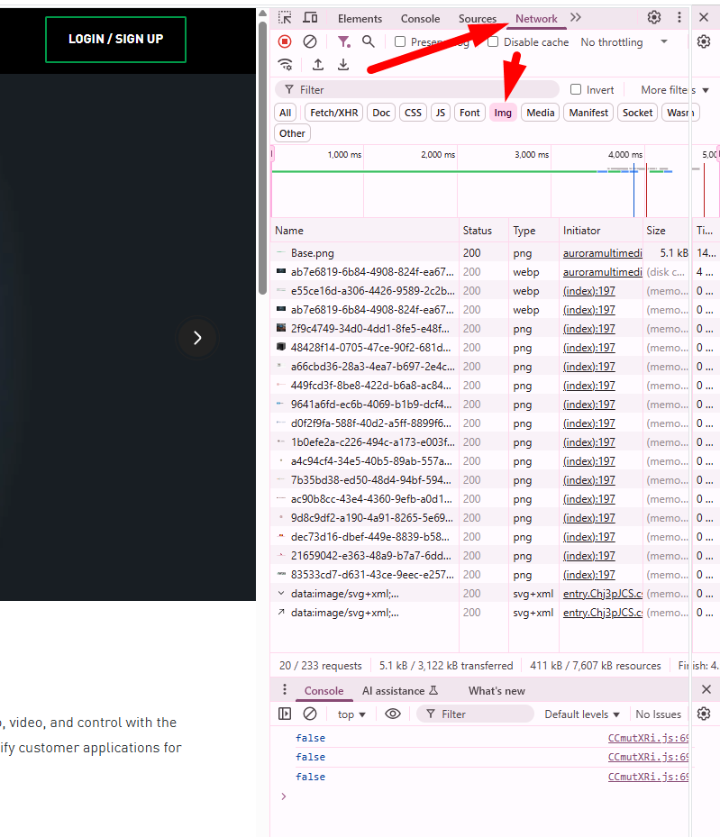
- Press F12
- Select NETWORK in header, and then IMG for filter.
Note: You should see the listed objects below. If not, refresh the browser as shown

Now, select one of the LINKS, and arrow up/down to scan the files:
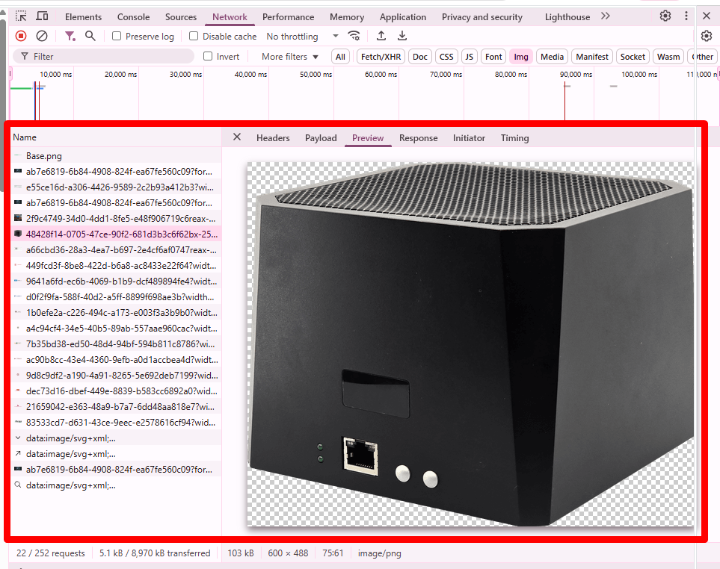
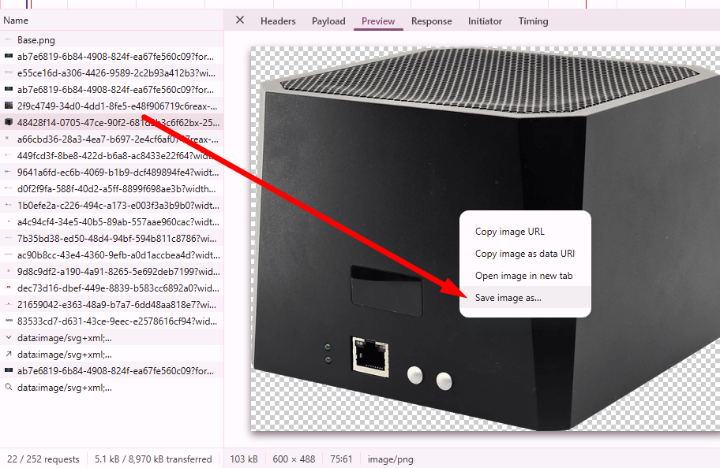
Now, you can right click and 'Save As' or copy URL: